Automated QA and screenshots
Status: implemented. The images below are refreshed from the latest successful
image-bootcheck run; the workflow
is the evidence, this page is the reading aid.

What runs, and when
image-bootcheck runs on every merge to main that can change an image: a
change under resources/**, examples/**, internal/**, cmd/**,
schemas/**, tests/vm/*.py, go.mod or the workflow itself. It also runs on
pull requests that touch the same paths. A docs-only merge does not rebuild an
image, so the last screenshots stay up. A manual dispatch also runs it.
The matrix is three workstations: the Core Fedora 45 image, the Core CentOS Stream 10 image, and the example organization image that enables four RPM repositories. The AlmaLinux and RHEL images are built, scanned and booted by their own publish paths, not here.
Each leg:
- renders the plan with the compiler and records
plan.json; - builds the image from the platform's pinned base;
- makes a QCOW2 without
bootc-image-builder's serial-console arguments, so the disk boots with the image's ownquietandrhgb; - boots the unmodified disk and records splash, graphical and shutdown frames;
- boots an instrumented session and checks the desktop, not only the console;
- boots the first-boot wizard and checks that an account can log in;
- writes an identity record that ties the result to the commit, the run, the plan and the QCOW2.
What the checks assert
| Area | Check |
|---|---|
| Boot | The graphical splash appears, the desktop is reached, ACPI shutdown completes. |
| Session | The session reports its type (Wayland or X11) and the test account can log in. |
| Applications | The AT-SPI tree exposes the desktop, an application opens from its entry, Settings opens a panel, and a file manager window closes through its close button. |
| Lock | The session locks and unlocks with the test password. |
| Browser | Firefox runs headless and a page served by the host is requested. |
| Defaults | Declared dconf keys, greeter keys, binaries and fonts are read back from the guest. |
| Extensions | The declared GNOME Shell extensions are enabled. |
| Offline | CentOS Stream 10 logs in with no NIC and keeps no default route. |
| First boot | The wizard runs and an account can log in on an unmodified disk. |
| Update and rollback | A real installed disk moves A → B → A, survives power loss in the deployment write and after the staged entry is active, and recovers a candidate that cannot boot. |
The harness classifies frames (blank, text, splash, graphical); it does not compare them with a reference library. A screenshot is a record of what the guest drew, not a pixel-perfect visual regression test. The session check is instrumented: it provisions a test user by SMBIOS and logs in automatically, so it proves the stack and the defaults, not a human install.
Update and rollback run in lifecycle-test.yml, separately from the bootcheck
workflow: that run installs a disk, changes deployments and injects power loss,
so it takes about 45–60 minutes. Its evidence is the lifecycle.json,
summary.md, per-boot journals and the /var and /etc markers, uploaded with
the run (design).
Fedora 45 Core
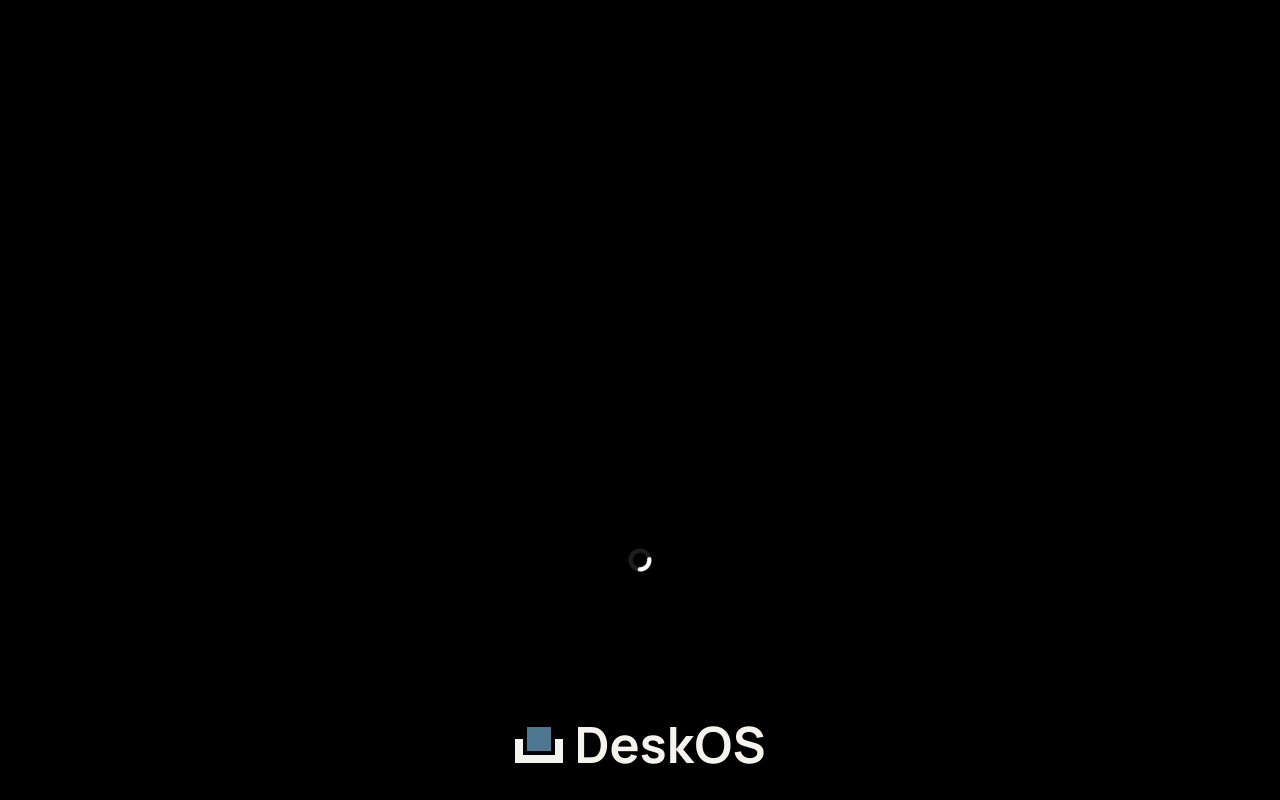
The DeskOS splash, drawn by Plymouth before the desktop starts.
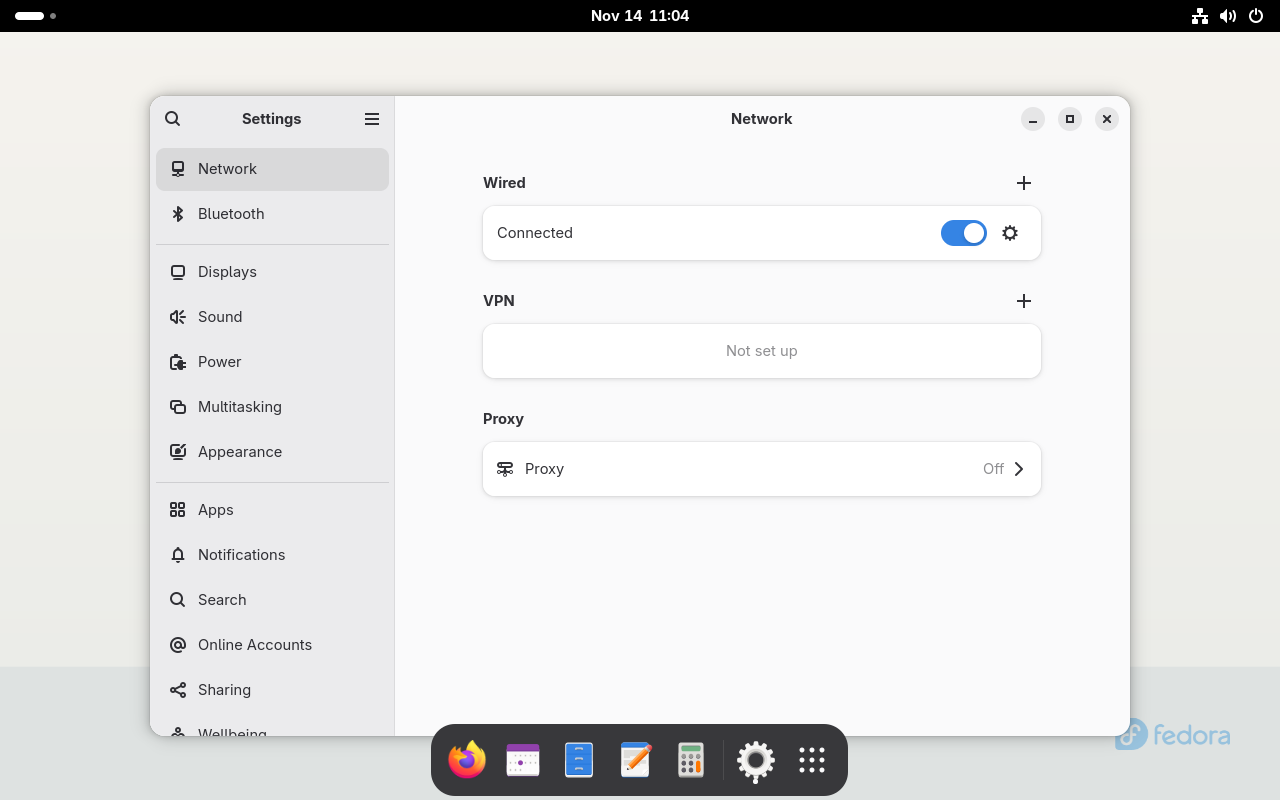
The Fedora 45 session after login, with Settings open through the AT-SPI tree. The dock, the wallpaper and the vendor application set are the image's, not a mock-up.
CentOS Stream 10 Core
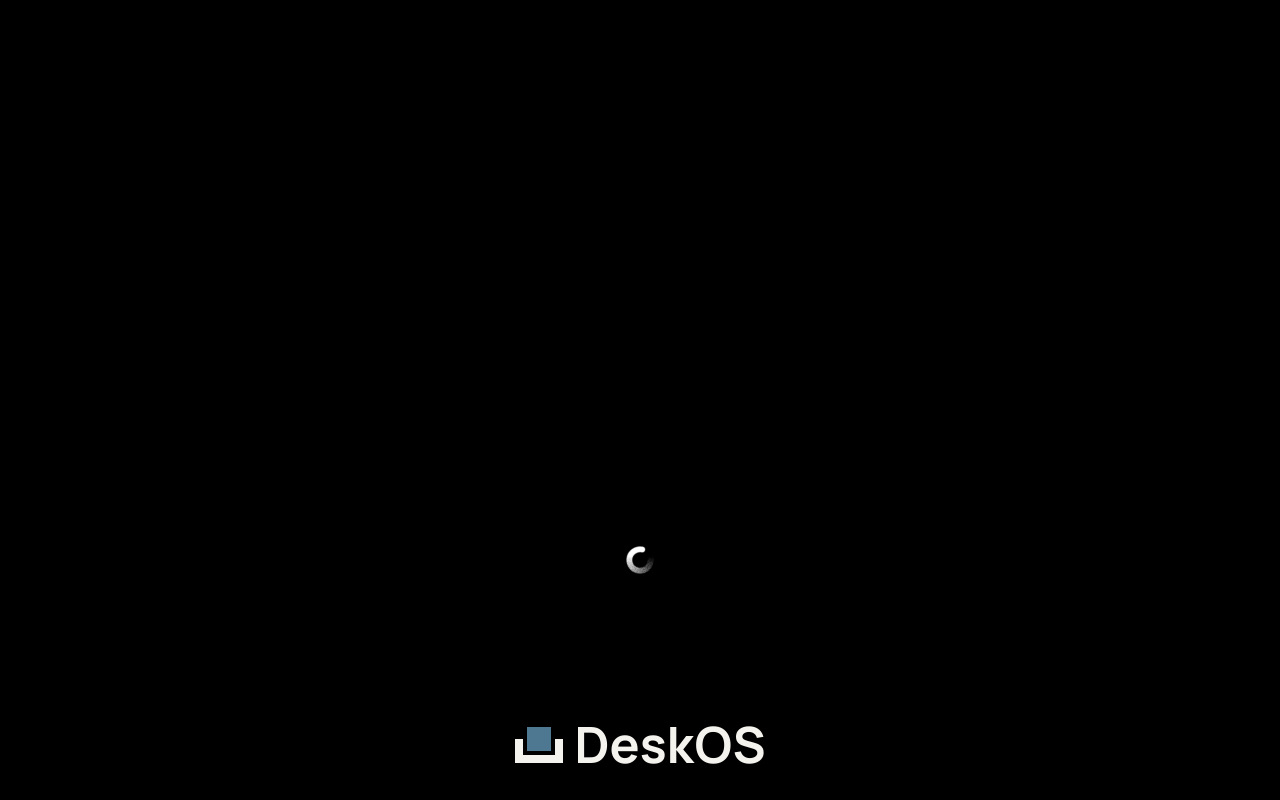
The same splash on the CentOS Stream 10 base.
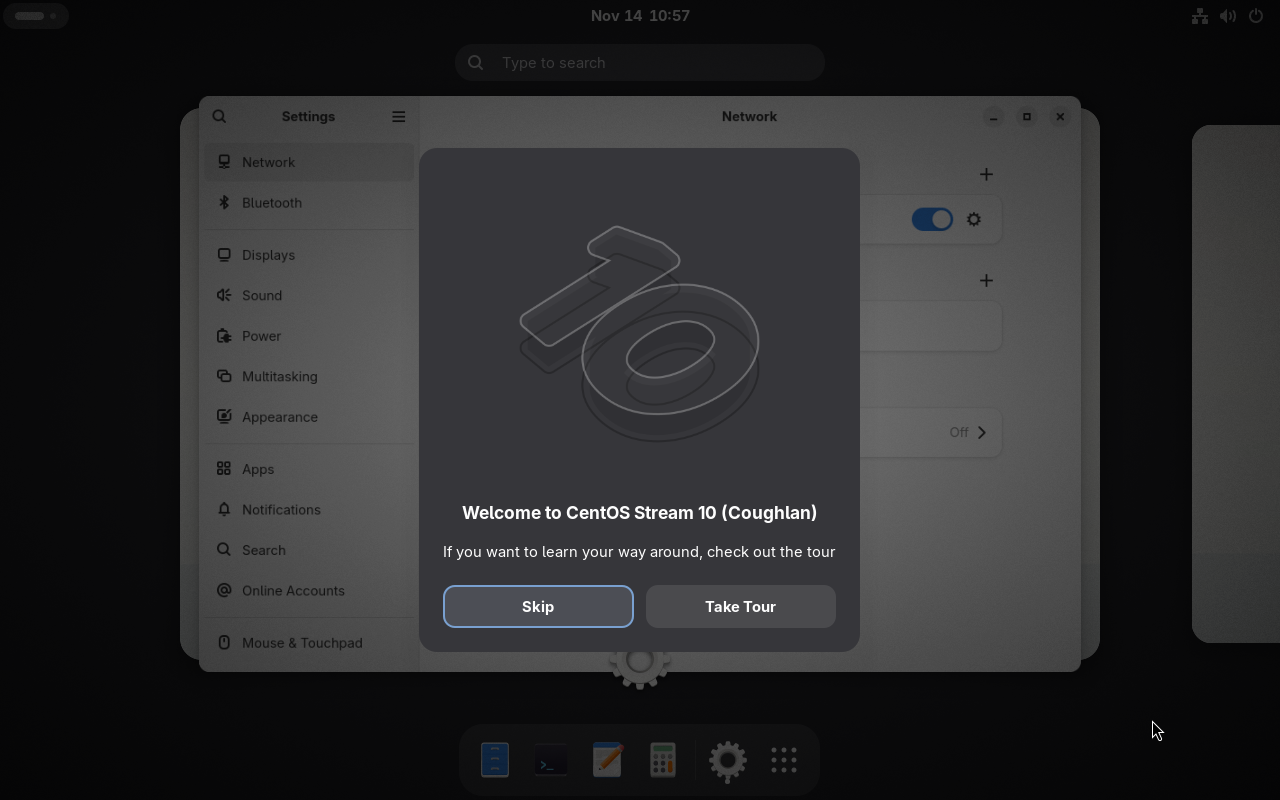
The CentOS Stream 10 session after login, again with Settings opened by the test, so the frame proves the window manager and the application stack are alive.
Where the files come from
The documentation deploy downloads the artifacts of the successful run, selects
the first boot splash and the last graphical session frame for each platform,
and writes them to /qa/latest/ on docs.deskos.org. It also writes
manifest.json with the run id, the commit, the
workstation, the image id and the frame each image came from. The committed
copies under website/static/qa/latest/ are the fallback for a docs-only change,
a local build, or a run whose artifacts have expired.
If the latest run failed, the images are the last successful ones and the badge is red. Read the run, not the page, for the failure.